Home Energy Storage Smart Home Integration
Why Home Energy Storage Smart Home Integration Matters
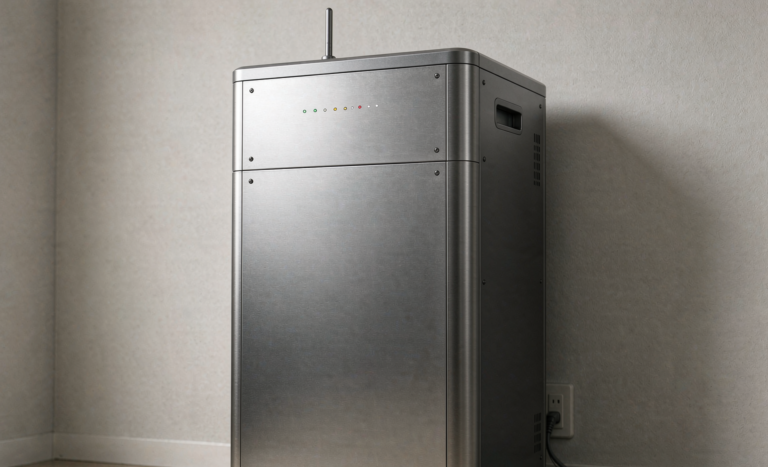
I’m Karl Huang, Senior lithium battery Engineer at Horizon Power. Over the last few years I’ve spec’d and commissioned hundreds of residential battery systems, and the single biggest shift I’ve seen is no longer about cell chemistry or kilowatt-hours. It’s about home energy storage smart home integration — making the battery a living part of the connected home instead of a silent box in the garage.
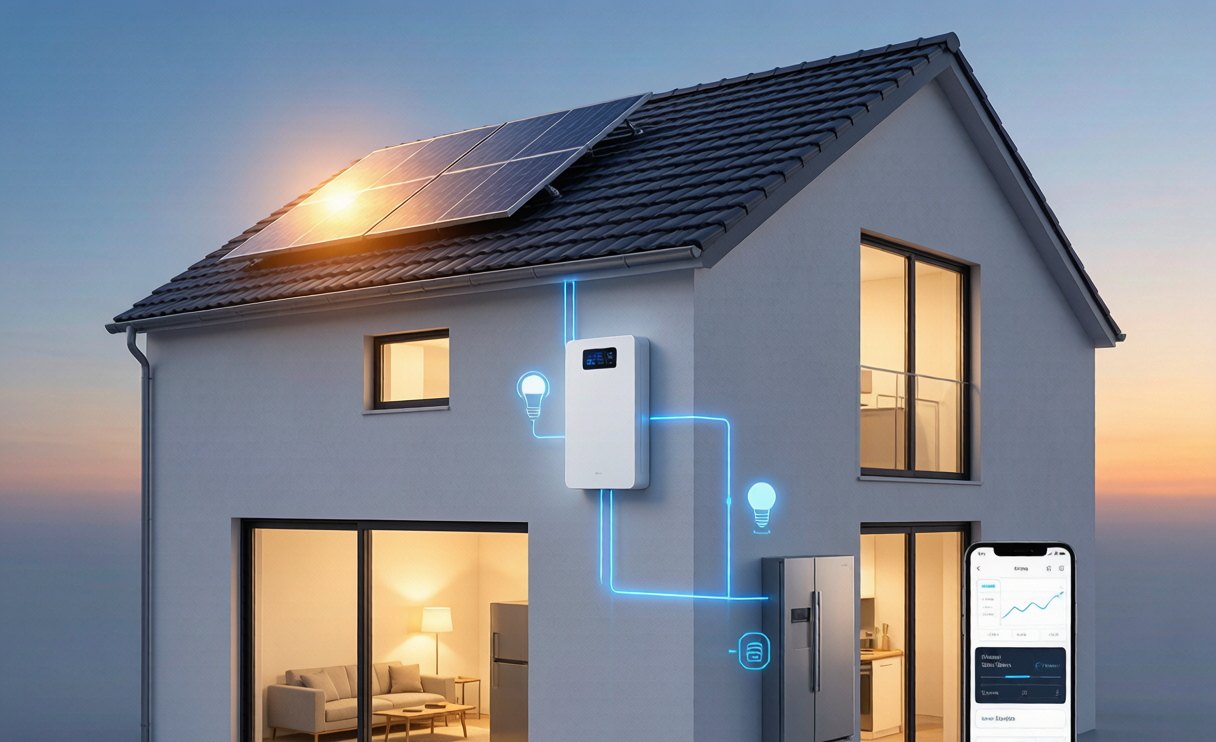
A modern home energy storage system is no longer just a backup for blackouts. When it’s wired into your smart home platform, it becomes a controllable, observable, and automatable asset. You can tell the house to charge the battery from solar before the peak tariff window, to discharge during an outage without lifting a finger, and to pre-cool the home on stored energy before a heatwave. None of that happens by accident. It happens through the right communication layer, the right standards, and a realistic automation plan.
The Communication Layer — How Your Battery Talks to the Home
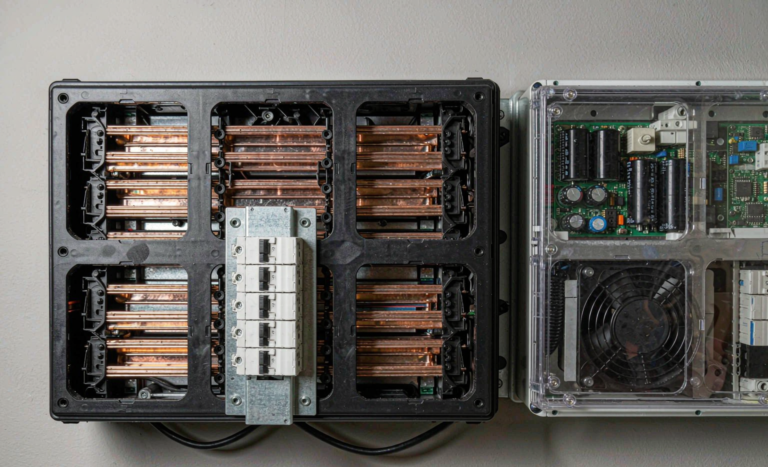
At the engineering level, home battery backup integration is really a data problem. The battery’s BMS (Battery Management System) speaks to the inverter, the inverter speaks to the energy gateway, and the gateway speaks to your home automation hub over Wi-Fi, Ethernet, or Zigbee. If any link in that chain is proprietary and closed, you lose the ability to write useful automation rules.
In the systems I commission, I always insist on an open local API or at least Modbus TCP on the inverter. That lets the battery report state of charge, temperature, and fault codes straight into a home assistant dashboard. From a safety standpoint this matters: a battery that quietly crosses a temperature threshold is far safer when the home can trigger a notification and a controlled low-power state. Every pack we ship is validated against UN38.3 T.1–T.8 transit abuse tests and built to IEC 62619 stationary cell safety, so the hardware is sound — but the software integration is what turns “safe” into “self-aware.”
Automation Rules That Actually Save Money
The most valuable part of home energy storage smart home integration is automation that pays for itself. Three rules I recommend to every homeowner:
- Time-of-use shifting. If your utility uses time-of-use pricing, program the battery to charge from solar or off-peak grid and discharge during the expensive window. Pair this with the smart thermostat so the home pre-cools or pre-heats on stored energy.
- Outage orchestration. Define a critical-loads group — refrigerator, internet, medical devices, well pump — and let the residential battery storage system automatically isolate and power only that group during a grid drop. Whole-house backup is nice, but load-shedding extends runtime dramatically.
- Solar-first self-consumption. On sunny days, divert excess PV to the battery before exporting to the grid at a low feed-in rate. Your smart home energy monitor can trigger this the moment production exceeds household demand.
I’ve measured real bill reductions of 30–60% on these profiles, depending on local tariffs and how aggressively the home automation enforces the rules. The battery chemistry is identical to a non-integrated unit; the intelligence is what creates the savings.
Voice Assistants and App Control in 2026
Voice control sounds like a gimmick until you’re standing in the dark during an outage and simply say, “What’s my battery at?” In 2026, most major platforms — Apple Home, Google Home, Amazon Alexa, and open-source hubs like Home Assistant — can surface battery state of charge, backup status, and daily throughput.
My advice as an engineer: treat voice as a read-only convenience and treat the automation hub as the source of truth. You don’t want a misheard command draining your home energy storage system at the worst moment. Keep discharge and grid-islanding logic in the inverter and gateway, where it’s protected by hardware interlocks and certified to IEEE 1547-2018 and UL 1741 for grid interconnection.
Cybersecurity and Data Privacy for Connected Systems
The moment a battery joins your network, it’s a connected device — and that means attack surface. I take a pragmatic, layered approach with every install:
- Put the energy gateway on a separate VLAN or IoT subnet, isolated from laptops and phones.
- Disable any cloud relay you don’t actively use; local control first, cloud second.
- Require firmware signed by the manufacturer; our packs and inverters only accept cryptographically signed updates.
- Review what telemetry leaves the home. A reputable home battery backup vendor should let you opt out of non-essential data sharing.
None of this is exotic. It’s the same hygiene you’d apply to a security camera. The difference is that a compromised battery can do real physical harm, so the bar is higher — which is exactly why we certify to IEC 62109 for power conversion safety and follow UL 9540 for energy storage system installation.
Interoperability Standards You Should Specify
If you’re buying or specifying a system, ask the vendor two questions: “What local API do you expose?” and “Which interoperability standards do you support?” In 2026 the answers that matter are:
- Matter — the cross-vendor smart home protocol that finally lets devices from different brands talk to one controller.
- Modbus / CAN bus — the industrial workhorses used inside the battery and inverter for raw telemetry.
- IEEE 1547 / UL 1741 — not smart-home protocols, but the grid-interconnection certifications that decide whether your automated discharge is legal and safe.
- OpenWeather or utility APIs — used by smart-home hubs to forecast solar production and pre-plan charging.
When these standards are present, home energy storage smart home integration stops being a vendor lock-in trap and becomes a flexible platform you control for a decade.
A Practical Integration Blueprint
Here’s the sequence I use when bringing a battery online in a connected home:
- Step 1 — Size honestly. Use one to two weeks of real load data from your smart meter before choosing capacity. Oversizing wastes money; undersizing defeats the backup purpose.
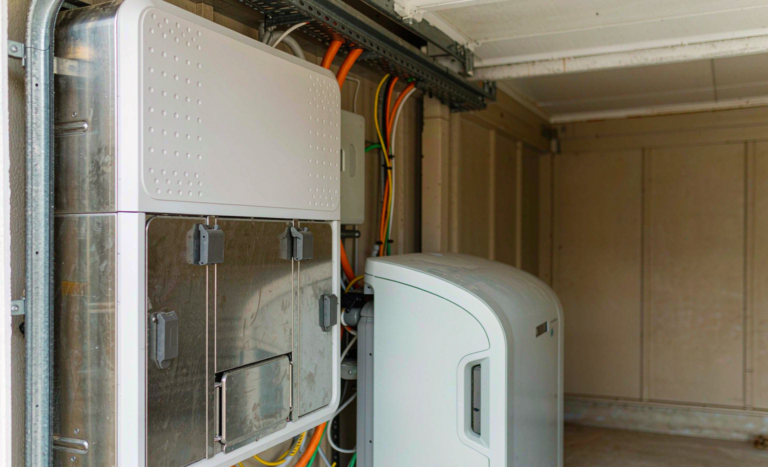
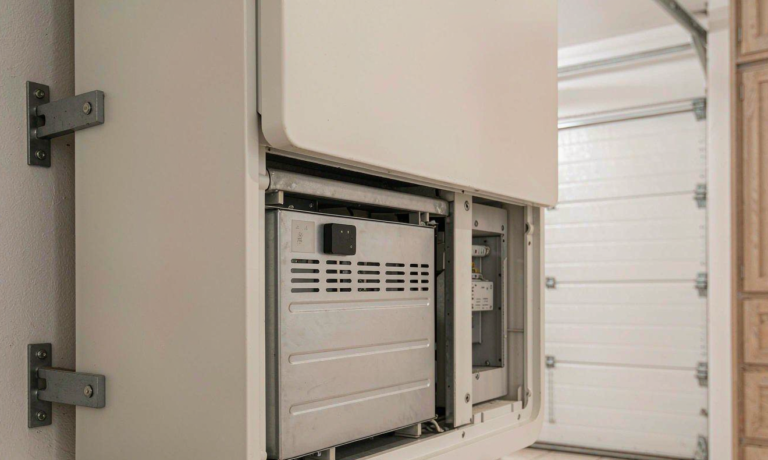
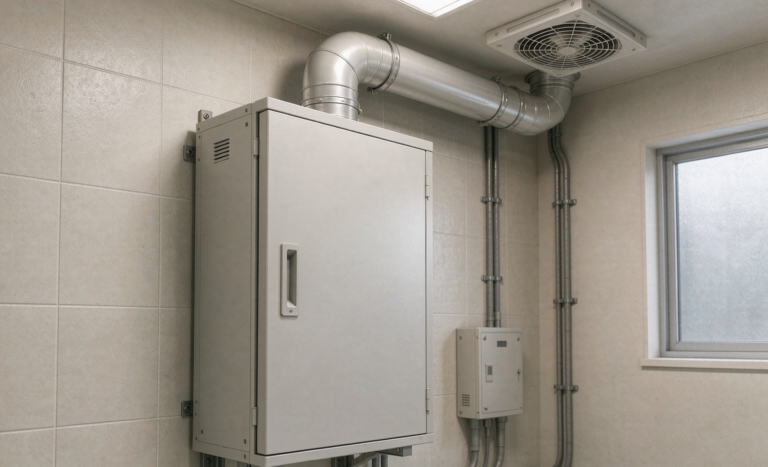
- Step 2 — Install to code. Follow NEC Articles 706 and 710, secure the residential battery storage enclosure with proper ventilation and clearance, and get the inspections cleared before energizing.
- Step 3 — Connect locally first. Join the gateway to your home network, confirm it reports state of charge to your hub, and verify the data is accurate against the inverter display.
- Step 4 — Layer automation gradually. Start with self-consumption, add time-of-use shifting, then outage orchestration. Each layer should be testable before you add the next.
- Step 5 — Audit quarterly. Check firmware, review automation logs, and confirm the battery’s health metrics are trending as expected.
This blueprint has shipped reliably across climates from desert heat to humid coastal sites. The hardware is the easy part; disciplined integration is what makes the system trustworthy.
Frequently Asked Questions
Do I need a specific smart home hub for home energy storage smart home integration?
Not necessarily. Many modern inverters include their own app and gateway, which is enough for basic scheduling and monitoring. If you want cross-device automation — like coordinating the battery with smart thermostats and lighting — an open hub such as Home Assistant gives you the most flexibility. The key is an open local API or Modbus access on the inverter.
Will integrating my battery with the smart home void the warranty?
Proper integration through supported APIs does not void a warranty. What voids warranties is tampering with the BMS firmware, bypassing safety interlocks, or unauthorized parallel connections. Stick to certified communication paths and you’re safe. Most 10-year warranties, including ours, are built around UL 9540 and IEC 62619 compliant installations.
Is it safe to control a home battery over Wi-Fi?
Yes, if you follow basic network hygiene: isolate the energy gateway on a dedicated subnet, keep firmware signed and updated, and keep critical safety logic (islanding, over-current protection) in the certified inverter rather than the cloud. The wireless layer should only carry convenience and insight, never the hard safety decisions.
Can a smart home automatically run on battery during an outage?
Absolutely, and this is one of the best features of a well-integrated home energy storage system. With automatic transfer and a defined critical-loads group, the system detects the grid drop, isolates from the utility, and powers your essentials within milliseconds — no human action required. We validate this behavior against UL 1741 islanding requirements on every commissioning.
How much does smart home integration actually save?
The battery itself doesn’t change efficiency much; the savings come from arbitrage and self-consumption automation. In time-of-use markets I typically see 30–60% lower effective electricity costs when the home actively shifts load and stores solar. The exact number depends entirely on your tariff structure and how consistently the automation rules run.