Home Energy Storage Remote Management and Secure Access
Managing a home energy storage system used to mean opening a breaker panel and reading an LED. Today, most lithium battery systems ship with a cloud connection that lets homeowners check state of charge from a phone and lets installers push fixes without a site visit. As a senior lithium battery engineer at Horizon Power, I have spent the last few years designing the remote management layer for our residential battery cabinets. In this article I explain how remote management works, why secure access matters, and the concrete engineering choices that keep a connected battery safe. If you specify or install home energy storage, the access model is now as important as the cells themselves.
Why Remote Management Matters for Home Battery Systems
A residential battery sits between the grid, the solar array, and the loads. When something drifts, a weak cell group, a comms drop, or a firmware bug, the fastest path to a fix is a remote session. Remote management cuts truck rolls, shortens downtime, and gives fleet operators a single dashboard for hundreds of sites. But it also creates an attack surface. A battery that can be reached over the network can, in theory, be reached by someone who should not be there. The job of the access layer is to make remote convenience possible without trading away safety. I treat remote access as a controlled channel: authenticated, encrypted, logged, and revocable.
Connectivity Options: Wi-Fi, LTE-M, and Wired Ethernet
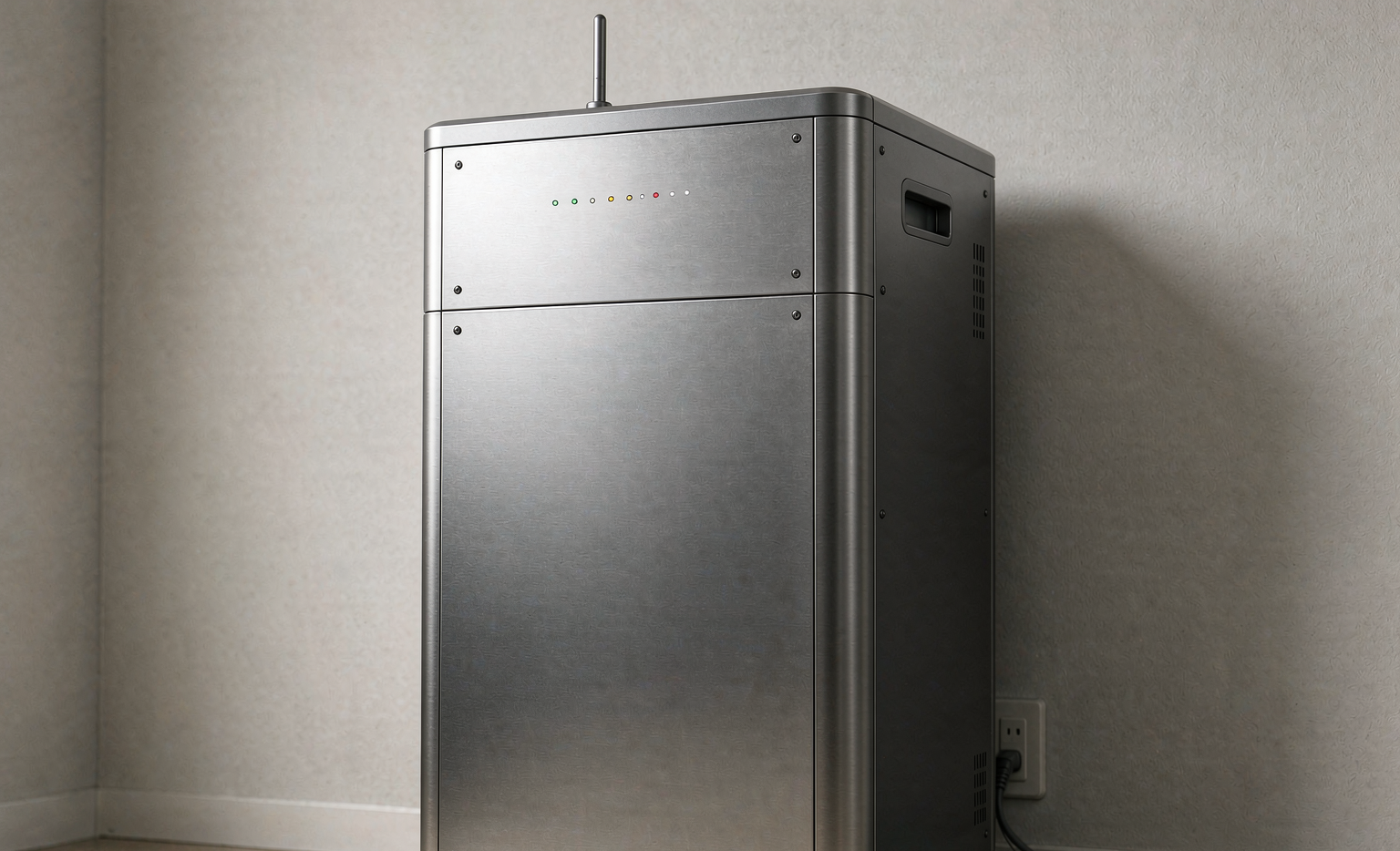
Most home batteries connect through the home Wi-Fi, which is cheap but depends on the homeowner’s router and password. For sites with poor Wi-Fi or no broadband, LTE-M or NB-IoT modems give a cellular fallback that stays up during a power outage because the modem has its own supply. Wired Ethernet is the most stable for new builds and avoids radio interference near inverters. I usually recommend a dual path: Wi-Fi as primary and cellular as backup, with the device testing the primary link every few minutes and failing over without operator action. Antenna placement matters more than people expect; a modem buried inside a metal cabinet can lose ten decibels, so we route the antenna to a vent or external stub. The key is that the connection is outbound only. The battery initiates a TLS session to the management server and does not open an inbound port that strangers could probe. That single design rule removes most of the risk people worry about.
Authentication and Role-Based Access Control
Secure access starts with identity. A well-built system separates three roles: the homeowner, the installer or service technician, and the manufacturer. Each gets a different scope. The homeowner can view state of charge, set schedules, and toggle discharge. The installer can change commissioning parameters and run diagnostics. The manufacturer can push firmware and read aggregate telemetry. We use OAuth2 with multi-factor authentication for the app and short-lived tokens that expire after minutes. Role-based access control means a compromised phone grants only that role’s rights, not the whole system. I have seen too many systems ship with a single shared admin password, and that is the first thing to remove.
Encrypting Data in Transit and at Rest
Every packet between the battery and the cloud should use TLS 1.2 or TLS 1.3. We pin the server certificate on the device so a fake update server cannot impersonate the backend. Data at rest, logs, configuration, and usage history, is encrypted with AES-256 on the device and in the database. The point is not just secrecy but integrity. If a log file can be silently rewritten, diagnostics become unreliable. Encryption plus signed records means the data an operator sees is the data that actually happened. We rotate the symmetric keys on a fixed schedule and use session keys with perfect forward secrecy, so a captured session cannot be decrypted later even if a long-term key leaks. For customers in regulated markets, this also simplifies the conversation about where data lives and who can read it.
Secure Over-the-Air Firmware Updates
Firmware is where remote management earns its keep, and where it is most dangerous. A bad update can brick a battery or, worse, change safety limits. We sign every firmware image with a private key held in a hardware security module, and the device verifies the signature against a rooted public key before it flashes anything. Updates are staged: a canary group first, then a rollout window, then the fleet. If a device fails to verify, it stays on the old version and alerts. Secure boot ensures that only signed code ever runs on the controller. In my experience, code signing is the single control that separates a trustworthy OTA process from a liability.
API Access for Installers and System Integrators
Dealers and integrators often want to pull data into their own tools, a billing system, a building management platform, or a fleet dashboard. A clean REST API with scoped tokens and webhooks is the right answer. The integrator gets a client credential with a narrow scope, not a copy of the admin login. Webhooks push events, low battery, fault cleared, firmware done, so the integrator reacts in near real time. Rate limits and audit logs close the loop: every call is recorded and every token can be revoked. This is how a manufacturer turns a closed box into a component of a larger energy system.
Privacy, Data Ownership, and Compliance
Connected batteries generate detailed load and generation profiles that reveal when people are home. That data has value and risk. Our policy is simple: the homeowner owns the raw data, the manufacturer processes only what is needed to operate the system, and nothing is sold. We align with ISO 27001 for information security management and follow regional rules such as GDPR for EU customers. Installers should set expectations during commissioning, what is collected, where it is stored, and how to delete it. Transparent privacy is not just compliance but the basis of trust in a device that sits inside someone’s home.
Standards and Certifications That Matter
Remote management does not live in a standards vacuum. For the communication and security layer we design against IEC 62443, the reference for industrial automation security, and IEC 62351, which covers security for power system communication protocols. On the grid side, UL 1741 and IEEE 1547 define how a connected inverter behaves during disturbances, and those rules shape what a remote operator is allowed to command. ISO 27001 sets the information security management baseline for how we handle data. I do not treat these as checkboxes. They are the shared language that lets an auditor, an installer, and a manufacturer agree that a system is actually safe to connect. When a buyer asks for proof, these certificate numbers are what I show first.
When to Switch to Local-Only Mode
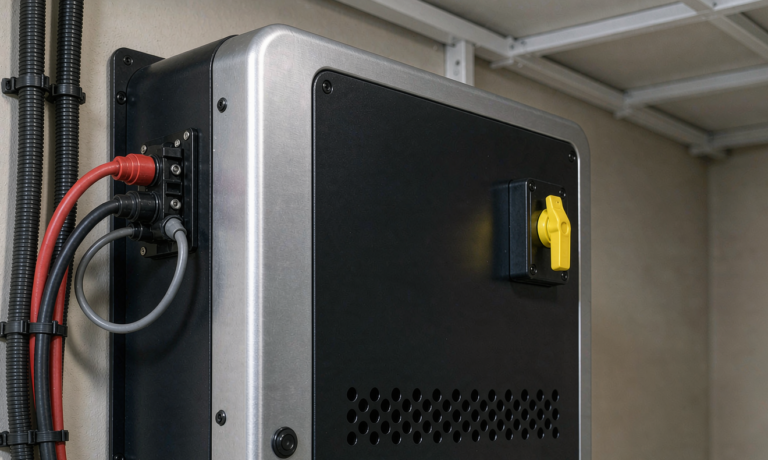
There are cases where a customer wants the battery to keep working but refuses any cloud link. Good systems support a local-only mode: the battery operates on the LAN or entirely standalone, with an on-site display and a physical switch to disable remote access. I design the access layer so that removing the network cable does not degrade safety or core function. Local-only mode trades convenience for isolation, and both are valid choices. The engineering goal is to make that choice a setting, not a rebuild.
Frequently Asked Questions
What is the safest way to connect a home battery to the internet?
The safest pattern is an outbound-only TLS connection initiated by the device, with no inbound ports opened on the home router. A cellular backup adds resilience during outages and keeps management online when the broadband link fails.
Can a hacker take control of my home battery remotely?
With proper authentication, certificate pinning, and role-based access, remote takeover is extremely difficult. The device rejects unsigned commands and unknown tokens, and every session is logged and revocable by the operator.
Who owns the energy data from my storage system?
The homeowner owns the raw usage and generation data. The manufacturer processes only what is required to run the system and should not sell it. This ownership should be stated clearly at commissioning.
What happens to remote management during a power outage?
If the system has a cellular modem with its own supply, remote management stays online even when the home Wi-Fi is down. The battery itself continues to run on stored energy regardless of connectivity.
Is over-the-air firmware update safe for a battery?
Yes, when the firmware is cryptographically signed and verified by the device before install, rolled out in stages, and backed by secure boot. Unsigned or unverified updates should never be applied to a live battery.
Can I run my home battery without any cloud connection?
Yes. Local-only mode lets the system operate on the LAN or standalone, with on-site controls and a switch to disable remote access entirely. Core safety functions must remain intact when the cloud is removed.
Further Reading
References