Home Energy Storage for Home Office Backup
When I set up my own home engineering office three years ago, I made the mistake many remote workers make: I trusted a small desktop UPS to keep things running. It bought me eleven minutes. Eleven minutes is not enough to save work, shut down a network attached storage array cleanly, or stay on a client call. After one storm took the grid down for nine hours, I redesigned the office around a proper home energy storage system. This article is the field guide I wish I had then, written from the bench rather than a brochure.
Why a Home Office Needs More Than a Small UPS
A consumer UPS is a bridge device, not a power plant. Most units in the 600 to 1500 VA class carry a sealed lead acid or small lithium cell sized for five to fifteen minutes at full load. That window only covers an orderly shutdown. A home energy storage battery changes the equation because it stores kilowatt hours, not minutes. For a home office the protected loads are modest in watts but unforgiving in consequence: the router, the network switch, the NAS, the workstation, the VoIP phone, and the security recorder. Losing any one of them mid call or mid build costs real money. The goal is not just survival, it is continuity, and continuity is what a battery backup sized in kilowatt hours delivers.
Sizing the Backup by Counting Real Watts
Start with a load audit, not a guess. A modern router draws about 15 W, a managed switch 20 W, a four bay NAS 40 to 90 W under load, a workstation 150 to 300 W, a monitor 30 W, a VoIP adapter 5 W, and a wireless access point 10 W. Add them and a typical home office pulls 350 to 600 W continuous. To ride through an eight hour outage you need 350 W times 8 h, or 2,800 Wh of delivered energy. Inverter losses run about 12 to 15 percent, so the battery must supply roughly 3,300 Wh usable. I recommend rounding to a 5 kWh home battery pack to keep depth of discharge near 60 percent, which protects cycle life. Do not forget surge: a workstation power supply can draw three to five times its running watts for a few milliseconds at startup, so the inverter must handle that transient without dropping the load.
Inverter Quality and Transfer Time
Two specs matter more than brand. First, use a pure sine wave inverter. Modern PCs, NAS units, and LED drivers use power factor corrected supplies that can fault or run hot on a modified sine wave. Second, watch transfer time. When grid power fails, the inverter must pick up the load faster than the equipment reboot window. Quality offline or line interactive units switch in under 10 milliseconds, but I still keep a small UPS in front of the NAS as a zero transfer bridge during the handoff. For stationary backup the relevant safety and performance references are IEC 62040-3 for UPS behavior and UL 1778 for construction, and these are the marks I look for on the label before I trust a unit with client data.
Wiring Topology: Critical Load Circuit vs Whole House
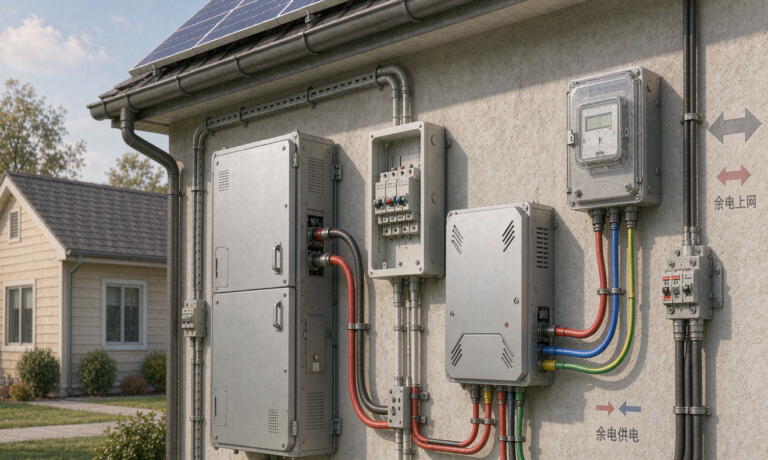
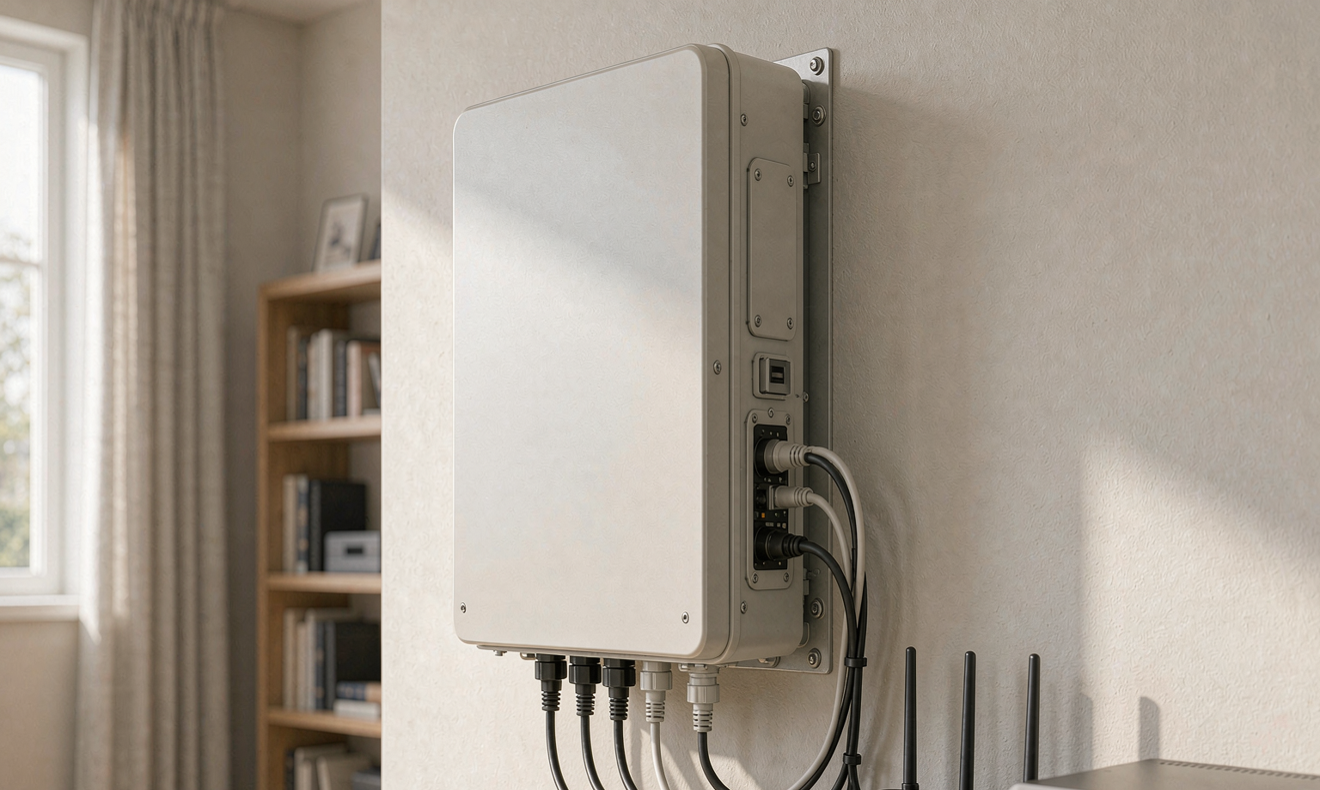
You do not need to back up the whole house to protect your income. The cleanest design is a dedicated critical load circuit, or a small subpanel, that feeds only the office and the network closet. A manual or automatic transfer switch moves that circuit from grid to battery. In the United States this falls under the NEC Article 702 optional standby system rules, and the transfer switch must be installed so the two sources can never parallel. I ran a single 20 A circuit from the battery inverter to a ceiling mounted access point, the office switch, and a floor outlet for the workstation. That single circuit kept a three person team online through the last regional outage without touching the kitchen or HVAC loads.
Chemistry and Safety for an Indoor Office
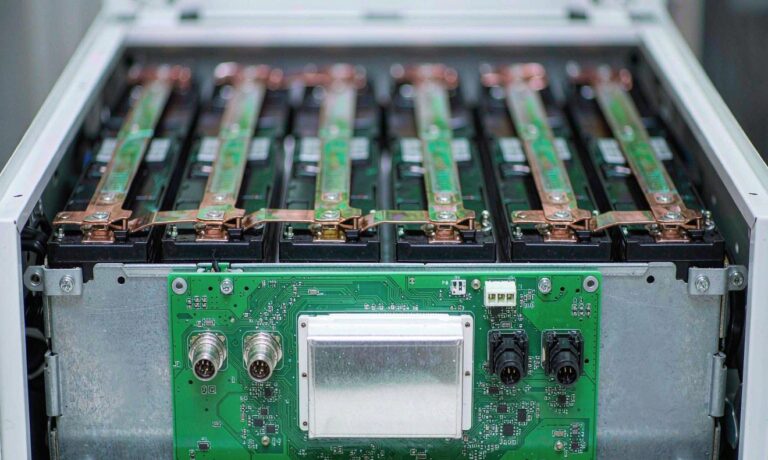
For an office that shares air with people and paper, chemistry choice is a safety decision. I standardize on lithium iron phosphate, LiFePO4. It is far more thermally stable than other lithium chemistries, it passes UN38.3 transportation and abuse testing, and it is rated to the IEC 62619 standard for industrial stationary batteries. A well built pack delivers 6,000 cycles at 80 percent depth of discharge, which is roughly sixteen years at one cycle per day. Keep the enclosure vented, away from direct sun and at least a meter from stored paper, and let the battery management system do its job. I keep state of charge between 20 and 80 percent for daily cycling, which is the single biggest lever on lifespan. This is where a custom battery solution earns its keep, because the enclosure and management firmware can be matched to an indoor office rather than a garage.
Quiet Operation and Thermal Behavior
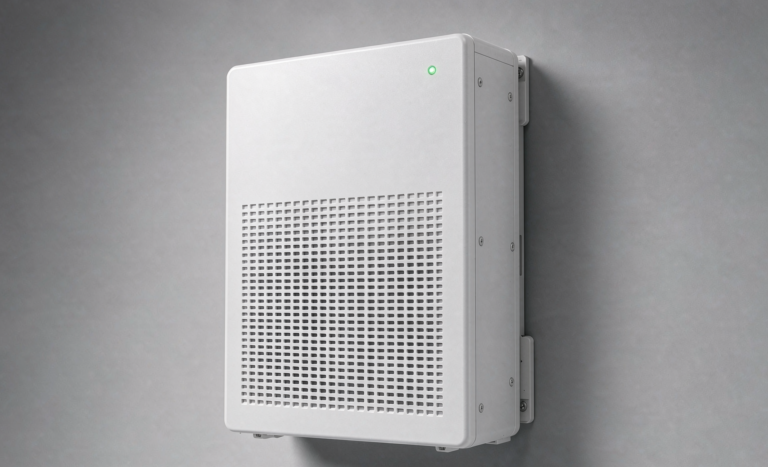
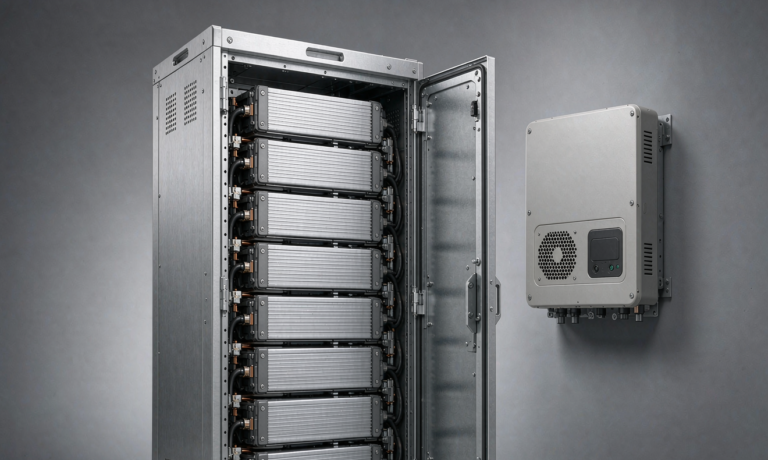
A home office tolerates almost no noise. Choose an inverter with a temperature controlled fan that stays off below about 40 percent load, and place the battery enclosure where stray fan noise does not reach the microphone. The pack itself is silent. Operation is rated from 0 to 40 degrees Celsius, and the battery management system cuts charge or discharge if cells drift outside that band, so do not tuck the unit against a heater or in a sealed attic. In my own build a 5 kWh LiFePO4 home energy storage unit sat in a vented cabinet and held the router, switch, NAS, and workstation for ten hours during a grid failure, with the only sound being the occasional click of the transfer relay. That quiet continuity is exactly what a home office backup is supposed to buy.
How long will a home battery run my home office?
A 5 kWh pack at a 400 W load delivers about 11 hours of real runtime after inverter losses, assuming 85 percent conversion efficiency. Halve the battery size and you halve the time; add a second workstation and you shorten it further. Size from your own audit, not a rule of thumb.
Can I keep my internet working during a blackout?
Yes, if you back up the modem, router, and any fiber or cable converter on the same critical load circuit. Most of these draw under 30 W combined, so they are cheap to protect. Remember that the provider’s own equipment upstream can also fail, so treat multi day outages as a different problem.
Do I need a pure sine wave inverter for my PC?
For modern power factor corrected power supplies, yes. A modified sine wave can cause excess heat and erratic behavior in the power supply and in active power factor correction circuits. Pure sine wave is the safe default for any workstation or server class gear.
Will a power outage corrupt my NAS or server?
Not if the handoff is clean. A sub 10 millisecond transfer plus a small UPS bridge means the NAS never sees a dip. The risk appears only when the inverter transfer is slow or the battery is depleted mid session, which is why sizing and transfer time both matter.
How big a battery do I need for a home office?
Audit your continuous watts, multiply by your target hours, divide by 0.85 for inverter loss, then add 20 percent headroom. Most home offices land between 3 kWh and 6 kWh of usable home energy storage. A custom battery solution can match the exact load instead of oversizing a generic unit.
Is LiFePO4 safe to keep in a home office?
In a vented enclosure and within the 0 to 40 degrees Celsius range, yes. LiFePO4 is the most stable lithium chemistry, certified to UN38.3 and IEC 62619, and the battery management system watches temperature, voltage, and current continuously. Keep it away from paper and heat sources and it is safer than the lead acid unit it replaces.
Further Reading
References